
Note
Go to the end to download the full example code.
ICON/Triangular grid
This example shows how to draw the edges of an ICON triangular mesh with
easyclimate.plot.icon.plot_triangular_grid.
The helper reads ICON cell-center and vertex-boundary coordinates from the dataset, then draws the triangular edges on either plain Matplotlib axes or Cartopy map projections.
import xarray as xr
import numpy as np
import cartopy.crs as ccrs
import matplotlib.pyplot as plt
import easyclimate as ecl

from easyclimate.plot.icon import plot_triangular_grid
Open a sample ICON pressure-level file. The file contains the native ICON cell-center coordinates and triangular cell bounds needed by the mesh helper.
data = ecl.open_tutorial_dataset("icon_native_pl_20080909T000000Z")
data
icon_native_pl_20080909T000000Z.nc ━━━━━━━ 100.0% • 3.5/3.5 • 26.8     • 0:00:00
                                                    MB        MB/s
Draw the triangular mesh directly on the current Matplotlib axes.
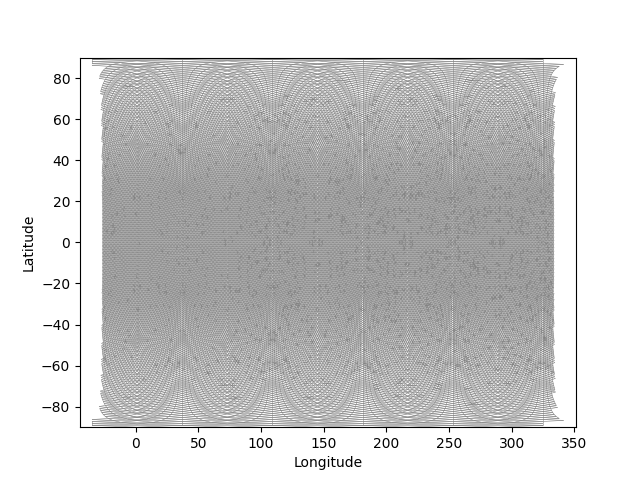
<matplotlib.collections.LineCollection object at 0x7a8799db7080>
Plot the global ICON mesh on a shifted PlateCarree projection. Passing a Cartopy GeoAxes lets the helper add the mesh with geographic coordinates.
fig = plt.figure(figsize=(12, 6))
ax = plt.axes(projection=ccrs.PlateCarree(180))
ax.coastlines(resolution="110m", linewidth=0.6)

plot_triangular_grid(data, ax = ax, transform=ccrs.PlateCarree());
ax.set_global()
ax.gridlines(draw_labels=True, alpha = 0)

ax.set_title("Global ICON mesh 1")
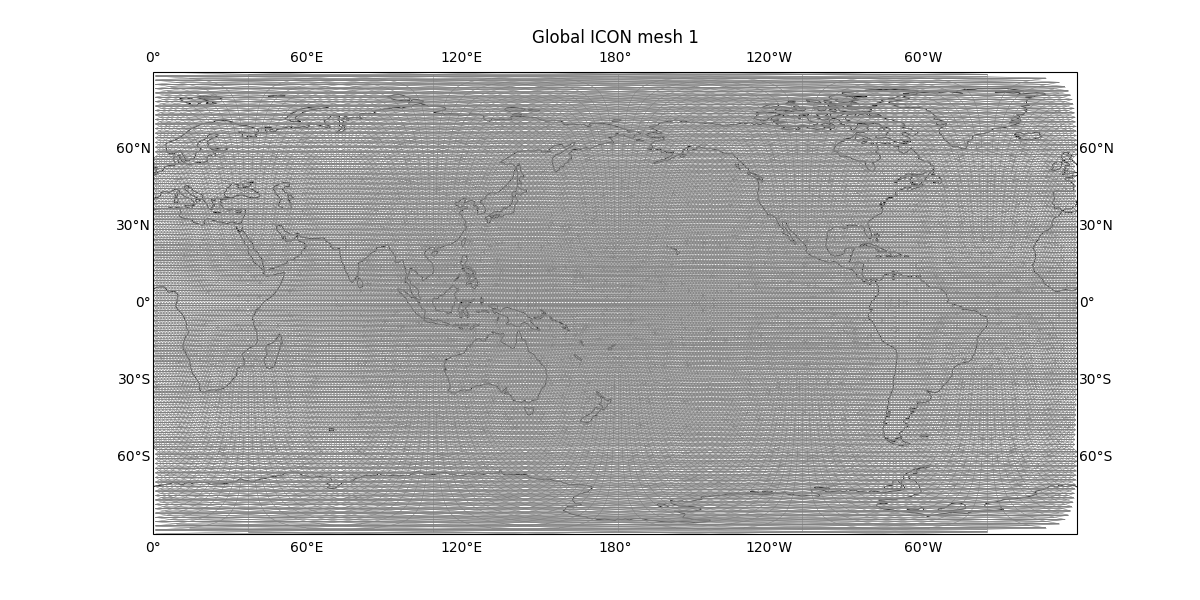
Text(0.5, 1.0453342943342954, 'Global ICON mesh 1')
The same native triangular mesh can be displayed with a Robinson projection.
fig = plt.figure(figsize=(12, 6))
ax = plt.axes(projection=ccrs.Robinson(0))
ax.coastlines(resolution="110m", linewidth=0.6)

plot_triangular_grid(data, ax = ax, transform=ccrs.PlateCarree());
ax.set_global()
ax.gridlines(draw_labels=True, alpha = 0)

ax.set_title("Global ICON mesh 2")
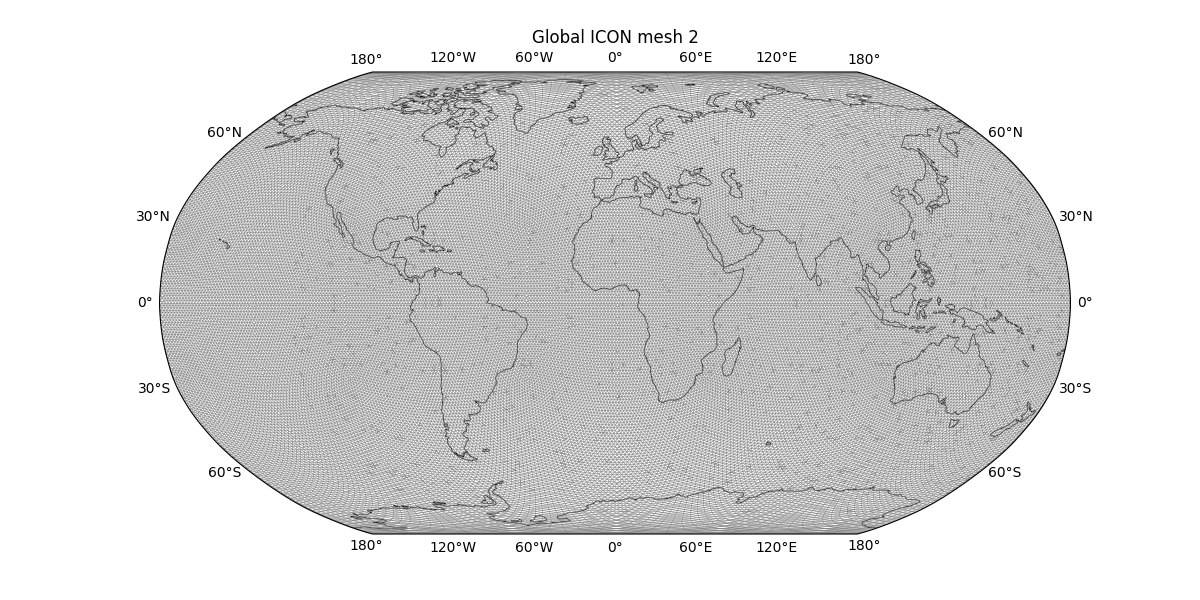
Text(0.5, 1.0453342943342951, 'Global ICON mesh 2')
Orthographic projection is useful for inspecting the global grid from a regional viewing angle.
fig = plt.figure(figsize=(12, 6))
ax = plt.axes(projection=ccrs.Orthographic(central_longitude=110.0, central_latitude=70.0))
ax.coastlines(resolution="110m", linewidth=0.6)

plot_triangular_grid(data, ax = ax, transform=ccrs.PlateCarree())
ax.set_global()
ax.gridlines(draw_labels=True, alpha = 0)

ax.set_global()
ax.set_title("Global ICON mesh 3")
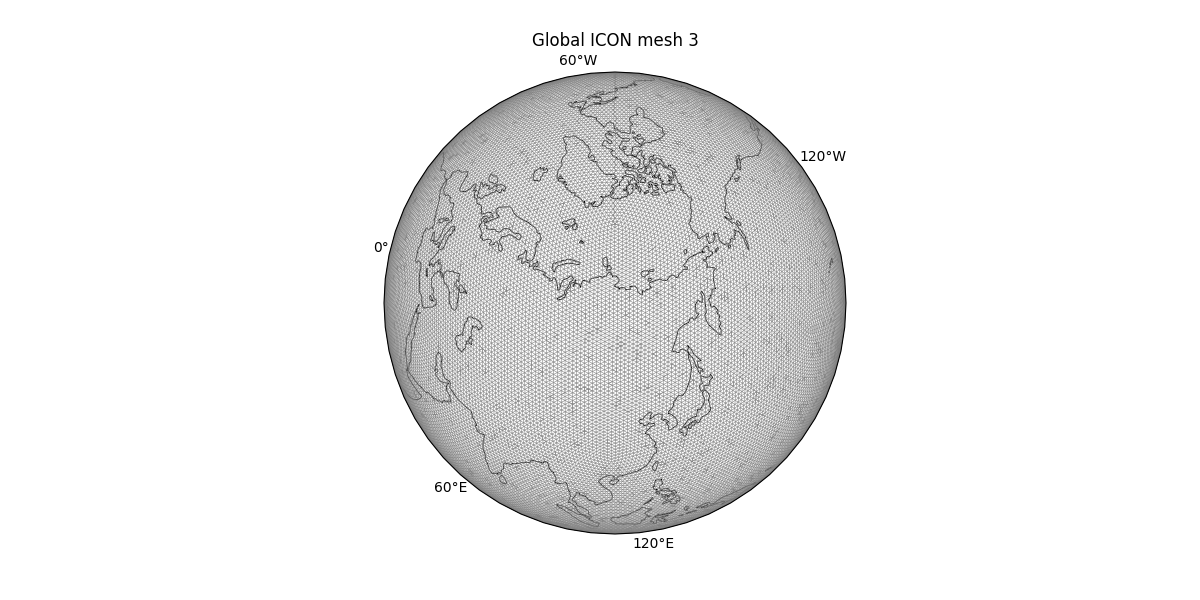
Text(0.5, 1.0381854681723834, 'Global ICON mesh 3')
Restrict the plotted cells to a regional longitude-latitude window. The helper selects cells by their centers and draws only the visible triangular edges.
fig = plt.figure(figsize=(12, 6))
ax = plt.axes(projection=ccrs.PlateCarree(180))
ax.coastlines(resolution="50m", linewidth=0.6, color="b")

plot_triangular_grid(
    data,
    ax = ax,
    transform=ccrs.PlateCarree(),
    lon_min = 90,
    lon_max = 150,
    lat_min = 10,
    lat_max = 50,
);
ax.set_extent([90, 150, 10, 50], crs = ccrs.PlateCarree())
ax.gridlines(draw_labels=True, alpha = 0)

ax.set_title("East Asia ICON mesh 1")
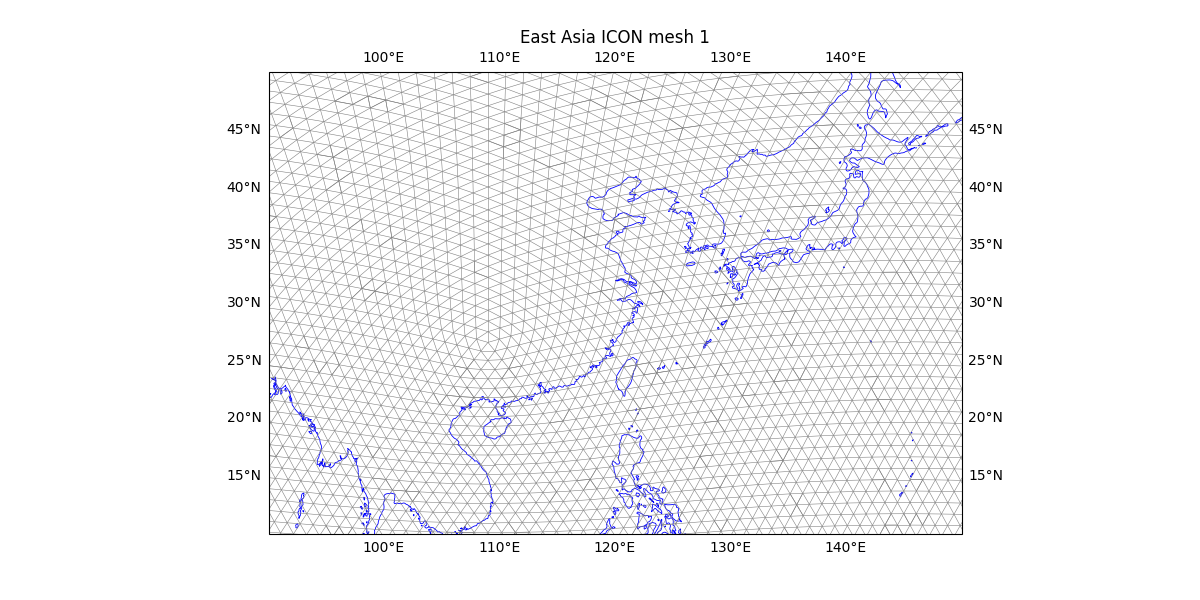
Text(0.5, 1.0453342943342956, 'East Asia ICON mesh 1')
Total running time of the script: (0 minutes 15.475 seconds)